Power Dialer Software: The Complete 2026 Guide for Service Businesses
If your sales team makes more than 30 outbound calls a day, you've already felt the pain. An office agent spends roughly 3 seconds finding a phone number, 4 seconds copying it, 3 seconds dialing, and 20 seconds listening to the ring before the call either connects, goes to voicemail, or hits a dead line. Multiply that by 50 calls and you've burned 30 minutes a day on pure friction — per office agent. A power dialer eliminates that friction entirely.
This guide covers what a power dialer is, how it's different from auto dialers and predictive dialers, how TCPA compliance works, and how home-service businesses use power dialers inside their CRM to dramatically increase outbound volume without hiring.
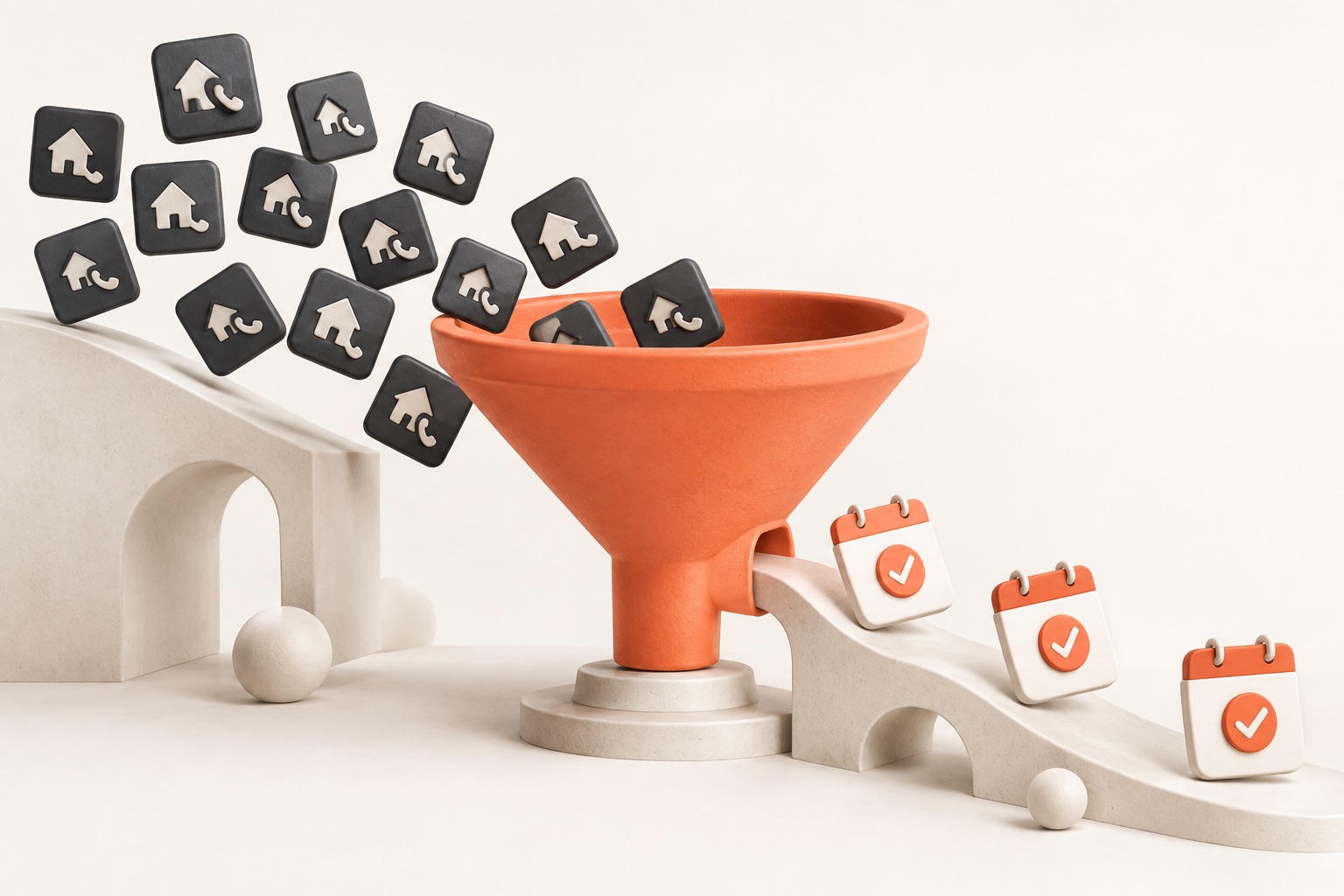
What is a power dialer? A power dialer automatically dials the next number in a call list the moment the previous call ends. The office agent doesn't touch the phone. When a call connects, they pick up and talk. When it doesn't, the dialer logs the outcome (voicemail, busy, no answer) and moves on. A 50-call hour becomes a 100-call hour, with zero extra effort.
Power dialer vs. auto dialer vs. predictive dialer. These terms get mixed up constantly, so here's the clean breakdown: An auto dialer dials a single number on demand — basically a click-to-call button. A power dialer walks through a list, one call at a time, automatically. A predictive dialer dials multiple numbers simultaneously and routes connected calls to available agents — great for massive call centers, but aggressive and often non-compliant under TCPA. For most home-service teams, a power dialer is the sweet spot: fast, compliant, and doesn't feel robotic to the customer.
Why home-service teams need one. Think about the use cases: reviving old leads that never closed, following up on estimates that didn't convert, calling through a list of storm-damage prospects after a hail event, surveying past customers, confirming appointments for tomorrow. All of these are high-volume outbound workflows. Without a power dialer, your office agents burn an hour of real talk time on 45 minutes of ringing and dialing. With one, you flip that ratio.
How Joby's power dialer works. Joby's power dialer is built directly into the CRM on top of Twilio. You import a call list (or build one from a saved lead filter), start a dialer session, and the system dials the next number automatically each time you hang up. Every call is recorded, every outcome is logged (connected, voicemail, busy, no answer, wrong number, do-not-call), and any call that needs follow-up becomes a callback ticket automatically. When the session ends, you get an analytics breakdown: talk time, connect rate, conversions, cost per connect.
TCPA compliance — the thing nobody wants to talk about. The Telephone Consumer Protection Act (TCPA) in the US puts real limits on outbound calling. Key rules: don't call cell phones with auto-dialers without consent, honor do-not-call lists, call only between 8 AM and 9 PM local time, and maintain records of consent. A good power dialer helps with all of this: internal DNC lists, time-zone-aware scheduling, and consent tracking at the lead level. Skip this and your business is one class-action lawsuit away from disaster.
Key features to demand. When evaluating power dialers in 2026, don't settle for less than: (1) native CRM integration — the dialer and the lead record are the same thing, not two tools stitched together; (2) call recording and transcription built-in; (3) real-time outcome logging with custom dispositions; (4) callback ticket generation; (5) TCPA-friendly scheduling and DNC list support; (6) per-office-agent analytics on talk time, connect rate, and conversion; (7) session pause/resume; and (8) built-in voicemail drop for when you hit an answering machine.
Why 'dialer-only' tools are a dead end. Standalone power dialers (think: CloudTalk, PowerDialer.ai) work fine in isolation, but you end up with two systems of record — the dialer and the CRM — and every call outcome has to be synced back manually or through a fragile integration. When the sync breaks, your pipeline goes stale and commission calculations get messy. A dialer inside your CRM avoids all of this because there is no sync — it's the same database.
Real numbers: what a power dialer changes. A typical inside-sales rep at a home-services company makes 60-80 calls a day manually. With a power dialer, the same rep hits 150-200. Talk time goes from ~1.5 hours to ~3 hours per day. Connect rates don't change dramatically (same list, same quality), but because the rep touches 2x more leads, raw booked revenue usually climbs 40-70% in the first month. These aren't outlier numbers — this is what customers consistently report.
Who this is for. Power dialers shine for: roofing teams calling storm leads, HVAC and plumbing businesses working through old estimate databases, auto transport dispatchers following up on broker leads, locksmith and garage-door franchises doing recall campaigns, and any team with more than 500 old leads sitting idle in a pipeline. If you're a two-person team making 20 calls a day, a power dialer is overkill. If you're a 5+ person sales team making a thousand calls a week, you're leaving money on the table without one.
Getting started with Joby's power dialer. Inside Joby, you build a call list from any saved filter (e.g. 'all leads with status = estimate sent, created > 30 days ago'), start a dialer session, and start calling. Every call is recorded and transcribed, every outcome becomes a status update, and any lead that says 'call me back next week' becomes a scheduled callback ticket. No imports, no exports, no syncs. One system, one screen.
The bottom line. A power dialer is the highest-leverage tool for any home-service business doing serious outbound volume. The ROI math is brutally simple: double the calls, double the pipeline. But the power dialer has to live inside your CRM, not beside it. Otherwise you pay the integration tax forever.